

AI Companion Apps With Local Storage: What Stays Local
Local vs Cloud Companions: The Storage Scorecard
When someone types 'local storage' next to 'AI companion', what they usually mean is who else can read this. You can keep every message on your own device. The catch is that you give up the parts that make a companion feel like the same person tomorrow. Here's how the three storage models line up, row by row.
| Row | On-device / self-hosted setup | GoLove.ai | OurDream |
|---|---|---|---|
| Where chats live | Your own hardware | In your account, with Memory and a per-character Gallery | Not confirmed |
| Works offline | Yes, depending on setup | Not confirmed | Not confirmed |
| Memory | Limited by your model and hardware | Memory, plus 8,000-message smart memory on ULTRA | Recent message history |
| Photos/video in chat | Depends on your setup | In-chat photo 1 Star; photo-to-video 10 Stars | Image and video bundled, drawing on DreamCoins |
| Privacy controls | Full control | New characters Private by default | Not confirmed |
| Price | Your hardware + setup time | About $19.99/mo or $119.88/yr (checked 2026-10) | From about $19.99/mo, or about $9.99/mo annual (checked 2026-09) |
| Try first | No subscription | 2 daily Stars + Series episodes 1–2 | Not confirmed |
Prices vary by region and promo.
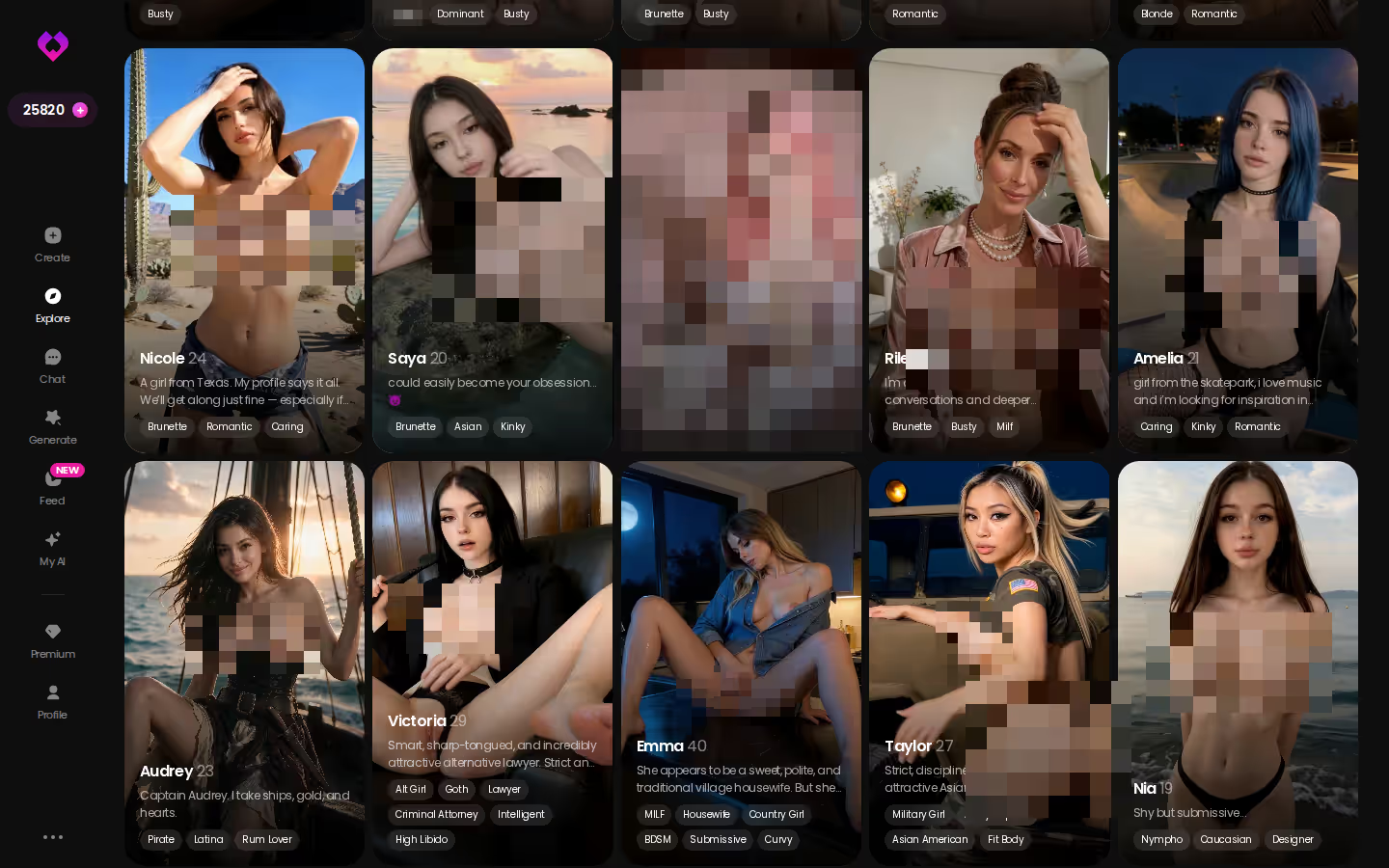
The local column takes the device-control rows outright, and I'm not going to pretend it doesn't. But memory and consistent photos decide whether a companion feels like her, and those two rows are why GoLove.ai is my pick for this search. Browsing is free, and a chat opens before you even sign up, so you can go meet the cast right now.
What 'Local Storage' Means for a Companion App
People stretch "local storage" to cover three very different setups:
MEET YOUR AI COMPANION
Hundreds of characters, one that fits you.

- Browser storage: the app caches data in your browser, but the model still runs on someone's server.
- On-device or self-hosted model: the model runs on your machine, so the conversation never leaves it.
- Server-side history: your chats sit in your account, and "saved" means saved there.
 7 episodes
 5 episodes
 5 episodes
 5 episodes
 5 episodes
 7 episodes
 6 episodes
 9 episodes










Only the second one keeps the whole conversation on your hardware.
Browser Storage vs an On-Device Model
Myth: An app that saves to browser storage keeps my chats private. Fact: Only an on-device model keeps the conversation itself off a server. Every message you send to a cloud model still travels to that model.
Why Memory Needs Somewhere to Live
Myth: A companion just knows you. Fact: Memory is stored history that the model reads back. On a cloud app, the provider stores it. Run it locally and it lives on your disk and inside your model's context window.
Offline Use and What It Costs
Myth: Offline means the same companion, just without internet. Fact: Offline only works with an on-device model, and that model can only be as capable as the machine running it.
Memory: The Row Local Setups Usually Lose
> ### 8,000-message smart memory > GoLove.ai ULTRA: the deepest memory figure on this scorecard.
Recent History vs Long Memory
Companions quietly split apart on this row:
- GoLove Memory: remembers your history with a character.
- GoLove ULTRA: stretches that to an 8,000-message smart memory.
- OurDream: memory over recent message history.

 Watch Popular Shows starring your
 favorite AI characters.
Want short, one-off sessions? Recent history covers you fine, and honestly, that part is just preference. If you're after a slow burn where last month still counts, though, long memory is the spec to shop for.
The Per-Character Gallery
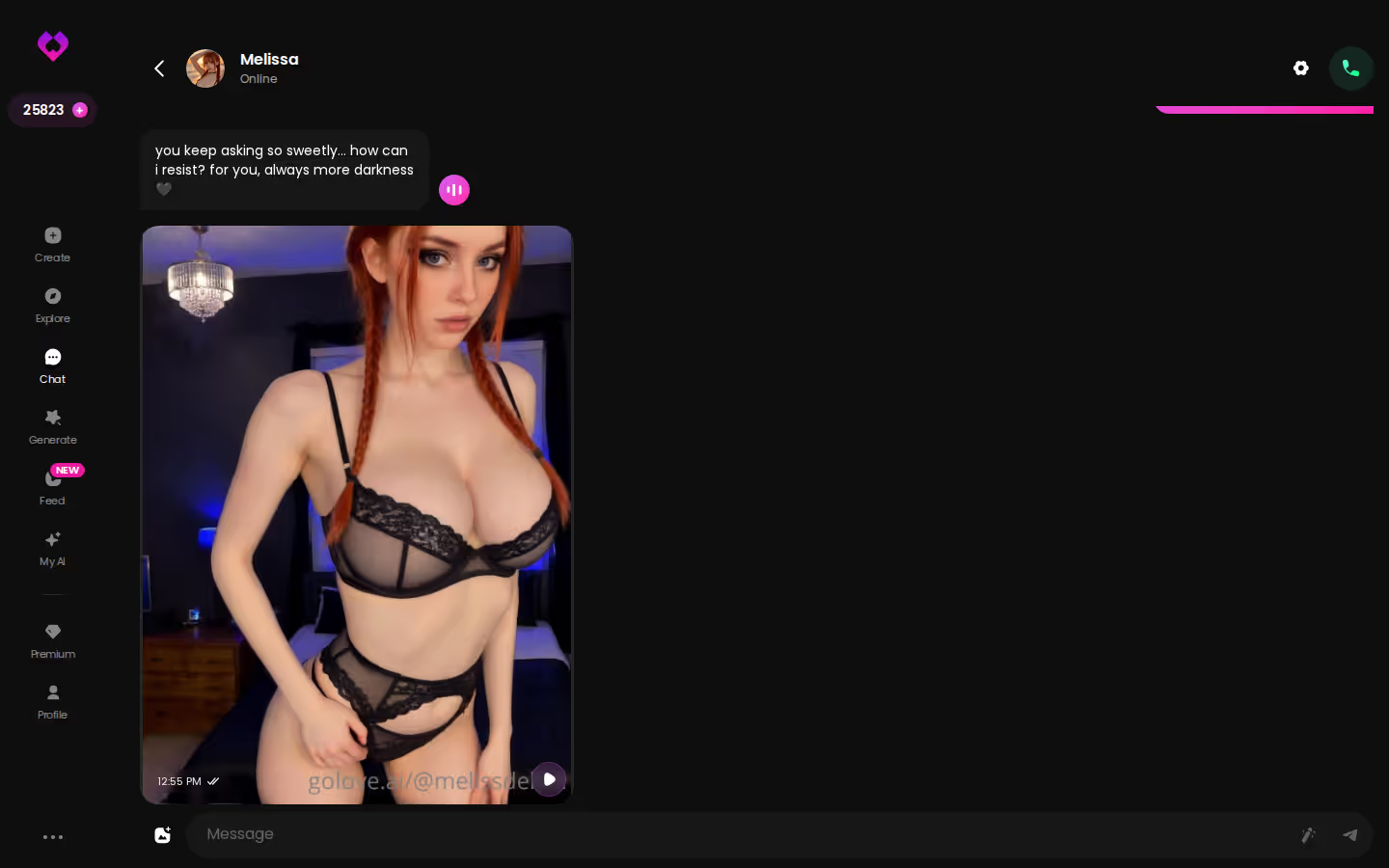
Every GoLove character gets her own Gallery, sorted by date. Photos from your first week sit in order next to last night's, so your history stays something you can actually scroll back through (instead of digging for it in the chat).
What a Local Model Has to Hold Itself
On your own hardware, memory is whatever fits in the model's context window, plus any retrieval setup you bolt on top. More memory and a stronger GPU buy you longer recall. To keep responses quick, consumer setups usually end up trimming older turns, which means recall rides heavily on what's under your desk.
Characters you can open right now
Tap any of them and the chat starts there






In-Chat Photos and Video: Where the Media Gets Made
Here's the in-chat media row in practice:
- You open a chat, tap the media button, choose Send Photo and describe the scene in your own words.
- A photo of the same character lands in about 20–45 seconds, for 1 Star.
- You tap Generate Video under it and get a roughly 5-second clip in about a minute, for 10 Stars.
Photo Requests That Keep Her Face
Consistency is the whole point here. Her face and body stay in line with her avatar and with the photos she's already sent you. Locally, getting the same face every time is something you'd have to engineer into a self-built image pipeline — and how well that goes depends entirely on your setup.
One Tap From Photo to Video
The video step reuses the same scene and the same character, so there's no re-prompting from scratch. Nice extra. Still, the photos are what you're really here for.
The Generator Behind It
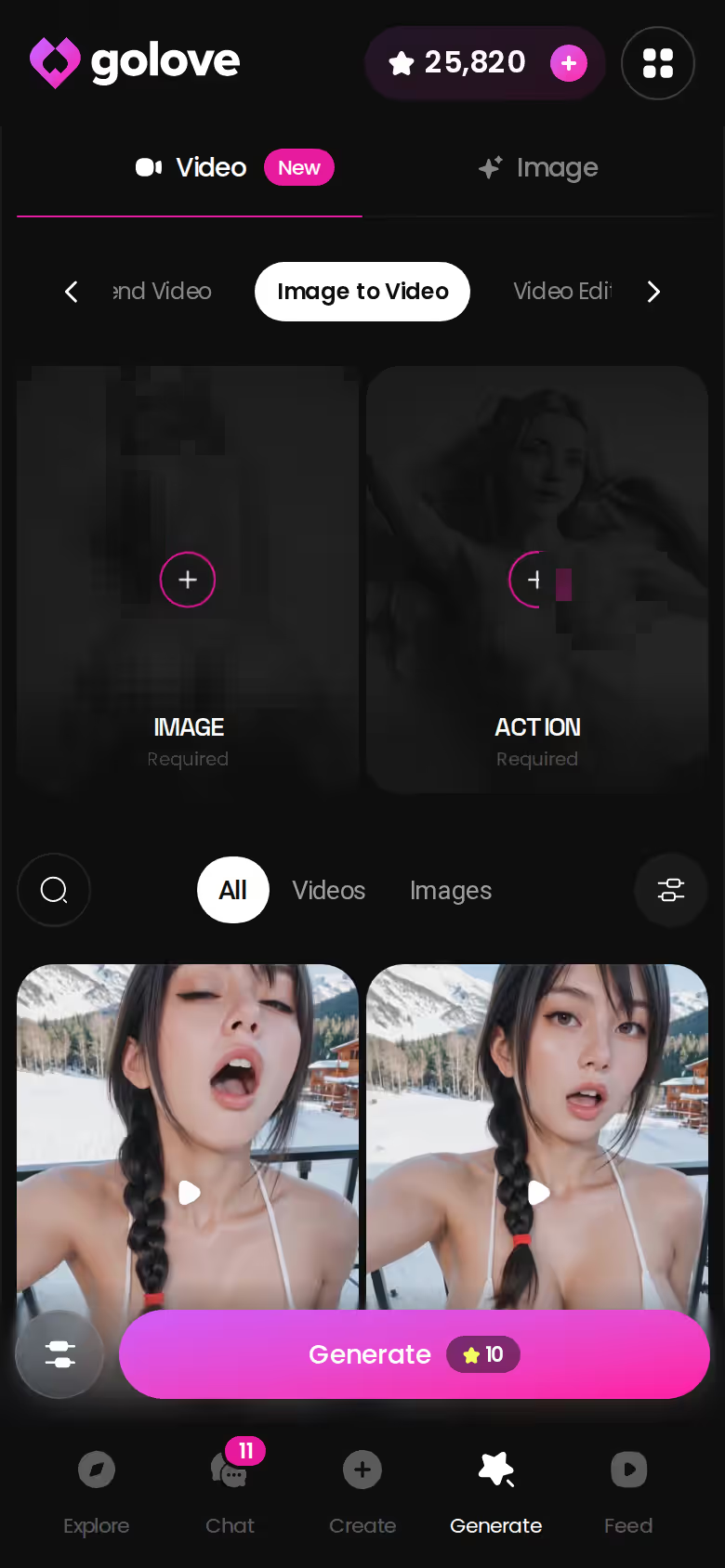
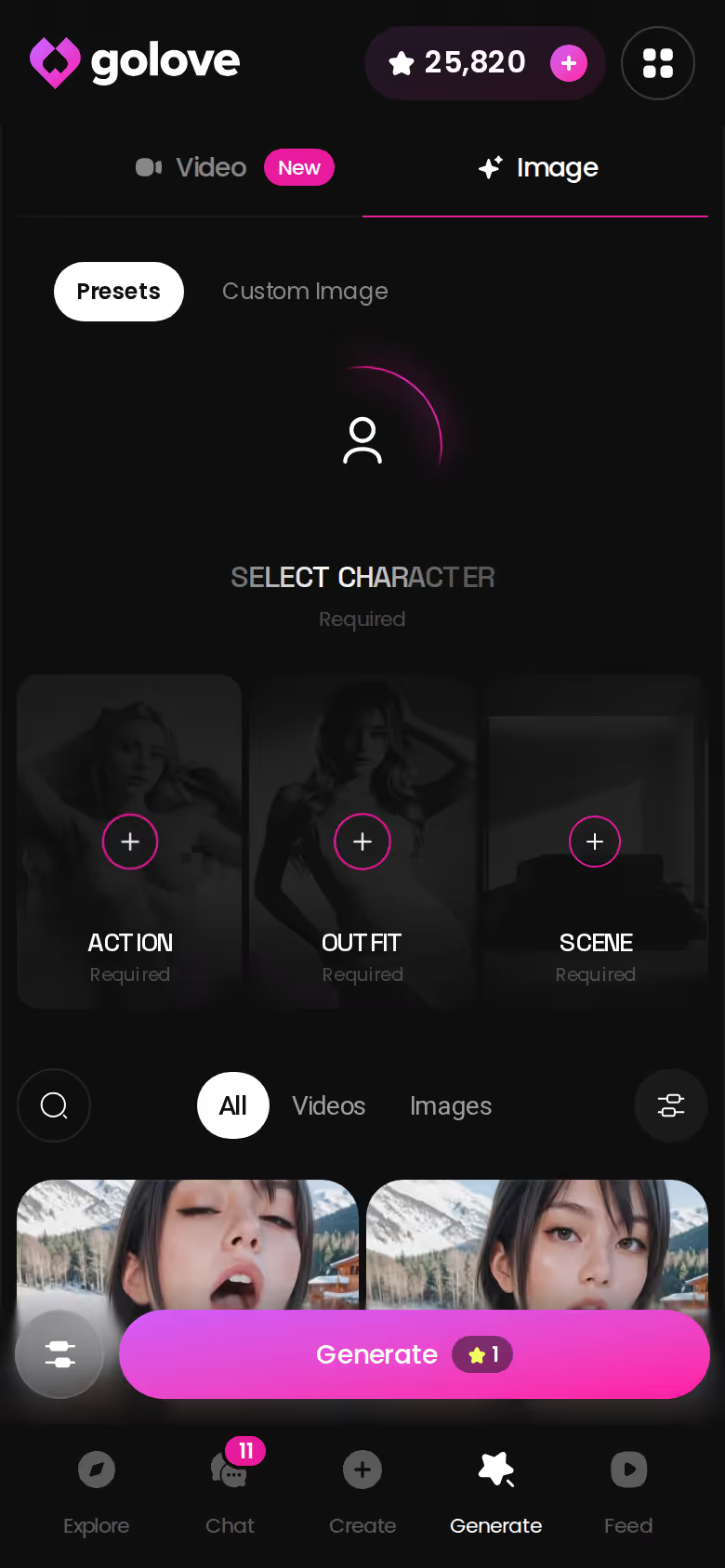
Outside chat, the Generate tab lists 147 video modes in total, 76 of them realistic. Images run 1 Star each, in batches of 1, 2, 4 or 8. To give OurDream its due, it also bundles image and video generation, paid for from its DreamCoins balance.
Trust me, the fastest way to find out whether her face really holds is to ask her for one photo yourself. It's 1 Star, so the check costs you next to nothing.
Privacy Controls GoLove.ai Gives You Instead
> "The risk most people mean isn't where a chat is stored. It's who gets to see it."
Your chats don't stay on your device with GoLove.ai, so here's what you get in their place:
- Private-by-default characters: new characters you design stay private unless you change that.
- Scenario visibility: group chats can be set private, unlisted or public.
- Text-built characters: Design with AI builds her from a description you type, then you chat and generate photos or video with her.
SEE THE REAL DIFFERENCE
Filtered bots stop. She does not.

Characters Start Private
Anything you make with Design with AI starts out Private. Only public characters can earn their creator Stars, which I like: going public is something you choose on purpose, not a default you have to remember to undo.
Private or Unlisted Scenarios
Scenarios are group chats with 2–10 characters. Set one to private, unlisted or public, and a storyline you'd rather keep to yourself never has to show up anywhere.
Characters Built From a Text Description
Design with AI takes a plain-text description of up to 2,000 characters and, in about a minute, returns a named character with her own @handle, a written bio and a portrait. Or skip that and pick someone from Explore. Either way, the photos and video come from the generator WITH her, and a new character starts Private. One rule doesn't bend: describe someone you invented, never a real person.
Price Per Month: Your Hardware vs a Subscription
No subscription doesn't mean free. With a local setup you pay in hardware that can run a decent model, plus the hours it takes to configure. The cloud options are simpler to price out (checked dates below; prices vary by region and promo).
On GoLove.ai, the order that works:
- Pick a character — or build one to your taste
- Say something real: she remembers your chat history
- Open Chat Settings: pick her voice, lust level and reply length
- Ask her for a photo in the chat
- Want a set pose or outfit? The image generator has 35 realistic poses and 21 outfits
GoLove PRO and ULTRA
- PRO: about $19.99/month or $119.88/year. Includes all NSFW content, 100 Stars every month, unlimited Feed, character creation, and voice messages and calls.
- ULTRA: about $59.99/month, less on annual billing. Adds more monthly Stars, stronger models, a Star-refill discount and the 8,000-message memory.
Checked 2026-10.

OurDream's Plans
OurDream starts from about $19.99/month, or about $9.99/month on an annual plan ($119.88/year), checked 2026-09. Images, voice and video pull from a separate DreamCoins balance, with 1,000 coins per cycle on Premium. On entry price alone, the two are a wash.

What Stars Buy and What's Free First
- Stars: 1 Star = 1 image and 5 Stars = 1 video. The in-chat photo-to-video step runs 10 Stars. Packs start around $9.99 for 30 Stars.
- Free entry: 2 daily Stars, a limited daily Feed, and episodes 1–2 of every Series, even without an account.
Who GoLove.ai Is NOT For: Strict On-Device Purists
Straight talk: pass on it if any of these sound like you.
- Every message must stay on your hardware. It's a cloud app, so your chats live in your account.
- You need offline use. We could not confirm an offline mode.
- You want fully free and unlimited. Free entry is the 2 daily Stars, a limited Feed and the first two Series episodes.
- You want a male companion. Male characters are listed as "Soon."
- You want a real human relationship. This is a companion, not a stand-in for the people in your life.
If those first two are dealbreakers, go self-hosted and accept what you lose on memory and media.
Where GoLove.ai fits is adults who want a companion who remembers them, sends photos where she actually looks like herself, and keeps new characters private by default. If that's you, the trade-off is worth every penny.
and watch their story unfold.View Character
Device vs Cloud, Row by Row: Which Storage Model Fits You
Read the scorecard back and every option has one thing it does best.
The local setup owns the device-control and offline rows. If keeping every message on your own hardware outranks everything else for you, build one.
OurDream's best use is the all-in-one bundle: it matches GoLove's PRO price point and folds chat, images and video into one plan. At about $9.99/month on an annual plan, that's a sensible buy if the bundle is what you want.
But a companion lives or dies on memory, consistent in-chat photos and photo-to-video, and GoLove.ai takes all three rows. Not ready to commit? Series episodes 1–2 are free to watch, even without an account, so you can meet the cast first.
My pick for this search is GoLove.ai. Write up to 2,000 characters describing your type in plain text, and Design with AI hands you a named character in about a minute — Private from the start, so she's yours alone until you say otherwise. Go build her.
Frequently Asked Questions
Related Articles

Lover AI: Which App Actually Delivers in 2026?
Lover AI, honestly reviewed — GoLove.ai wins on memory and a voice that stays hers. Chat opens straight from Explore — see who's waiting.

Gemini NSFW: What Actually Works in 2026
Gemini NSFW, honestly: Google's filters block adult chat, and GoLove.ai wins on memory, voice and in-chat photos — compare the two side by side.

AI Sissy Porn: What Actually Works in 2026
Searching ai sissy porn? Most tools give one-off images — GoLove.ai wins with a real character builder, chat memory, and photo-to-video. See how it works.

AI SMS Chatbot: What Actually Works in 2026
AI SMS chatbot? Most are text-only — GoLove.ai replies with voice, photos and memory too. See the difference — no phone number required.